



WebRow
詳細とオプション
- WebRowは,Webページ上での式の並べ方とスタイルの指定に使用できる.
- WebRowをWebColumnおよびWebItemと一緒に使ってWebページのレイアウトが決定できる.
- WebRow[expr,spec1,spec2,…]の speciは以下の任意のリストまたはシーケンスでよい.
-
opt1val1,… 明示的なオプション "class" 現行スタイルシートからの名前付きのクラス名 色指示子 色 (Red, RGBColor[…], …) 大きさ指示子 大きさ (width, {width,height}, …) InterfaceSwitched[…] 環境によって形式を切り換える Scaled[…] ウィンドウサイズと相対的な大きさ Larger より大きいサイズ指定 Smaller より小さいサイズ指定 n(任意の数) 画素サイズ n の大きさ Tiny,Small等 絶対サイズ指定 Italic 斜体 Bold 太字 Underlined 下線 Dashed 境界を破線で表示 Dotted 境界を点線で表示 Thickness[…],Thick,Thin 境界線の太さ Mouseover[…] マウスオーバーで形式を切り換える - 以下は,よく使われる明示的なオプションである.
-
Background 背景色 FontSize フォントサイズ FontFamily フォントファミリ FontSlant 斜体 (Plain, Italic, …) FontWeight 太さ (Plain, Bold, …) Alignment コンテンツの並べ方 Scrollbars スクロールバー指定 Frame プロットの周りに枠を置くかどうか FrameStyle 枠のスタイル指定 ImageMargins 項目の周囲に残す絶対余白 - "box-shadow" "10px 5px 5px black"のような任意のCSS特性オプションが指定できる.
例題
すべて開く すべて閉じる例 (1)
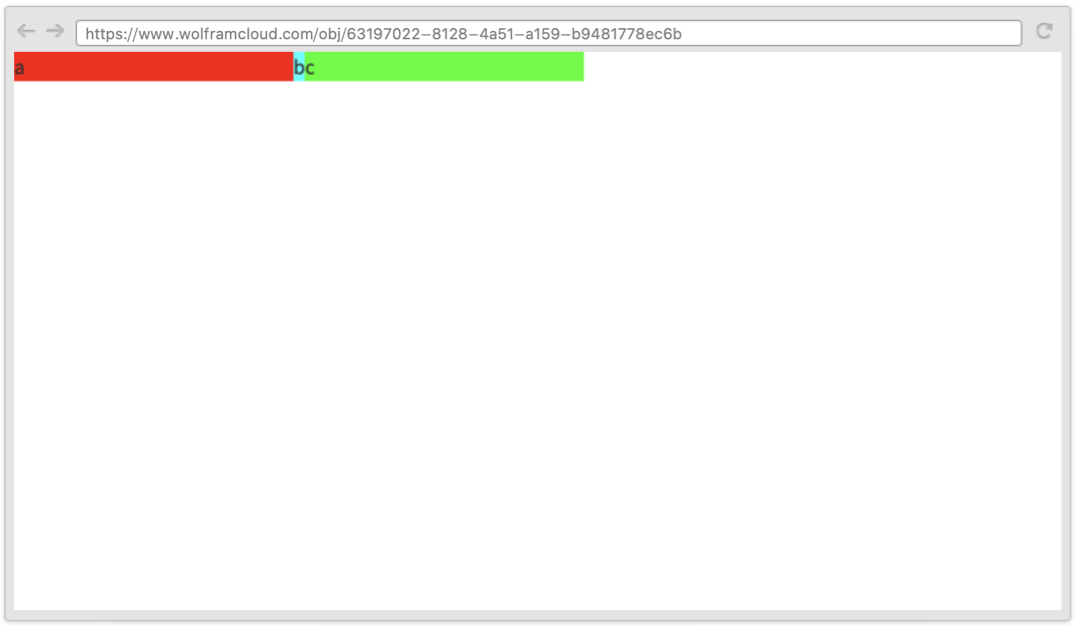
単一のWebRowをクラウドに配備する:
CloudDeploy[WebRow[{
	WebItem["a", {200}, Background -> Red],
	WebItem["b", Background -> Cyan],
	WebItem["c", {200}, Background -> Green]
	}
	]]
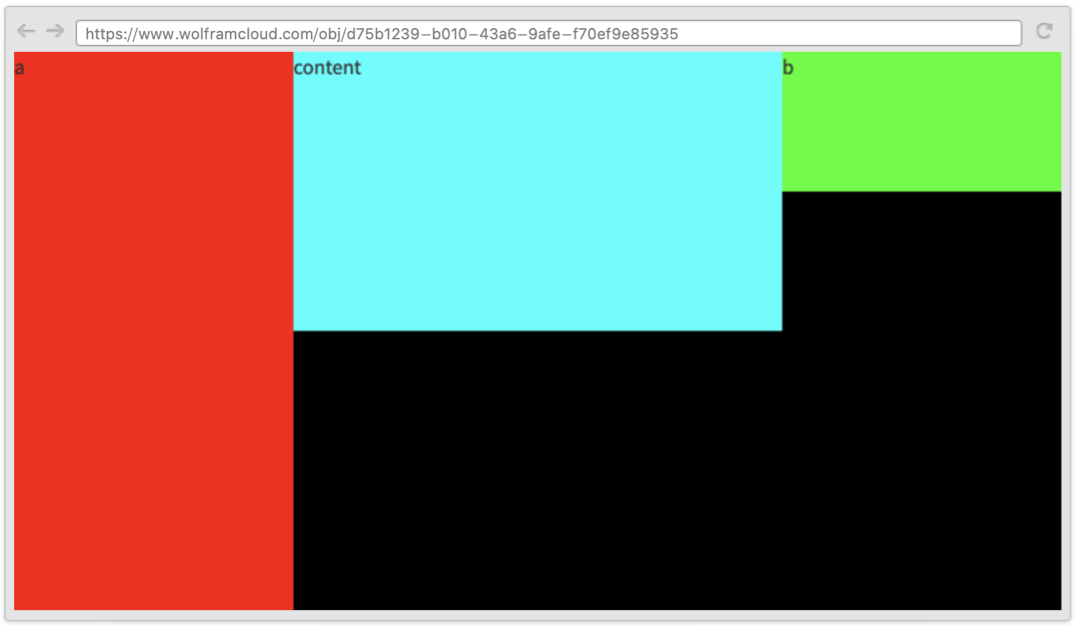
Scaledを使ってページ全体のレイアウトを指定する:
CloudDeploy[WebRow[{
	WebItem[{"a"}, {200, Scaled[1]}, Background -> Red],
	WebItem[{"content"}, {Scaled[1] - 400, Scaled[0.5]}, Background -> Cyan],
	WebItem[{"b"}, {200, Scaled[0.25]}, Background -> Green]
	},
	{Scaled[1], Scaled[1]},
	Background -> Black
	]]
スコープ (2)
デフォルトで,WebRowは使用可能な表示域にフィットするように拡張される:
CloudDeploy[WebRow[{1}, Background -> Cyan]]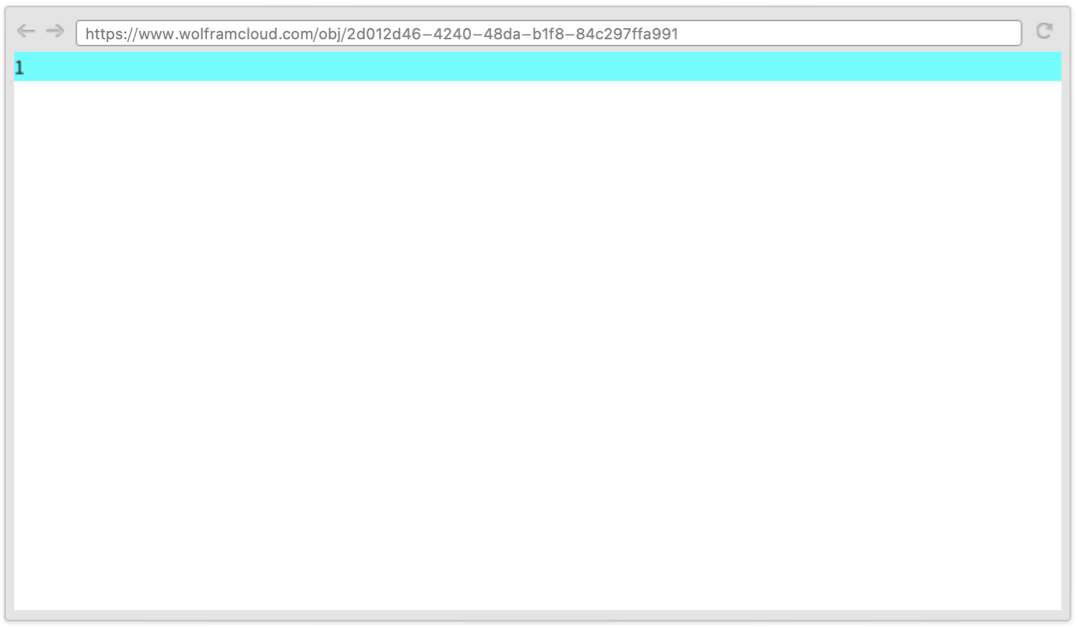
別のWebRow内で使用されるときは,残りのサイズにフィットするように拡張される:
CloudDeploy[WebRow[{WebItem[{"fixed"}, {100}, Background -> Yellow], WebRow[{"variable 1"}, Background -> Green], WebRow[{"variable 2"}, Background -> Cyan]}]]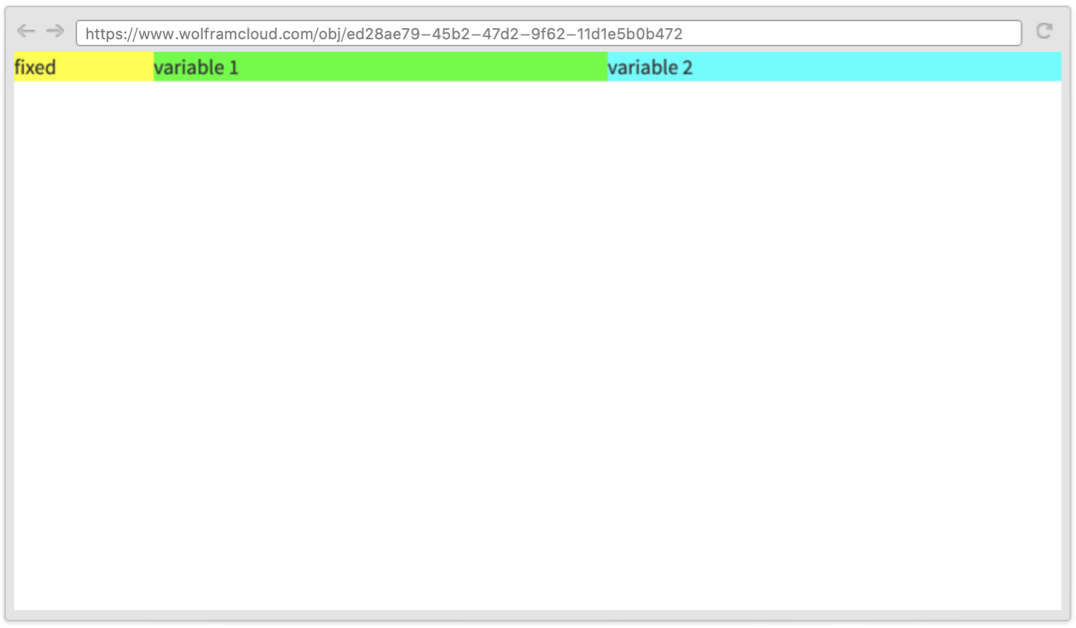
CloudDeploy[WebRow[Table[WebItem[i, RandomInteger[{80, 160}, 2], FontSize -> 50, Alignment -> Center, "margin" -> "1rem", Background -> RandomColor[]], {i, 15}], Alignment -> Center]]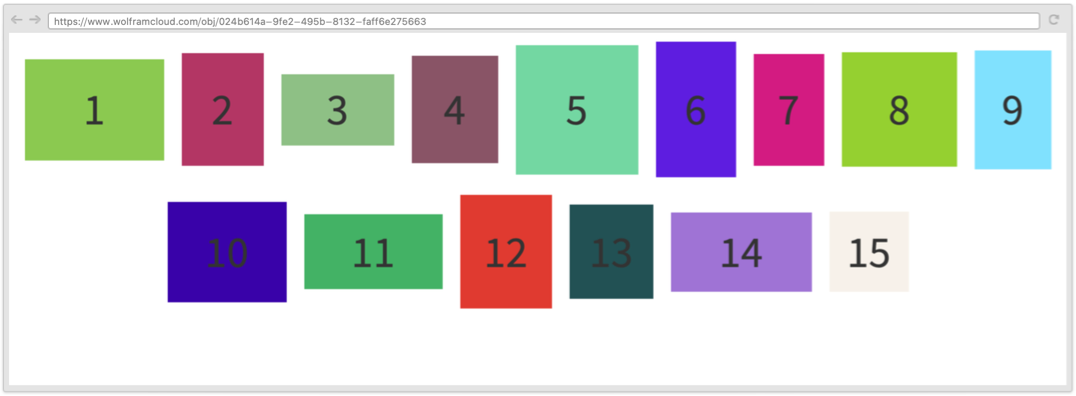
CloudDeploy[WebRow[{1}, Scaled[1], Background -> Red]]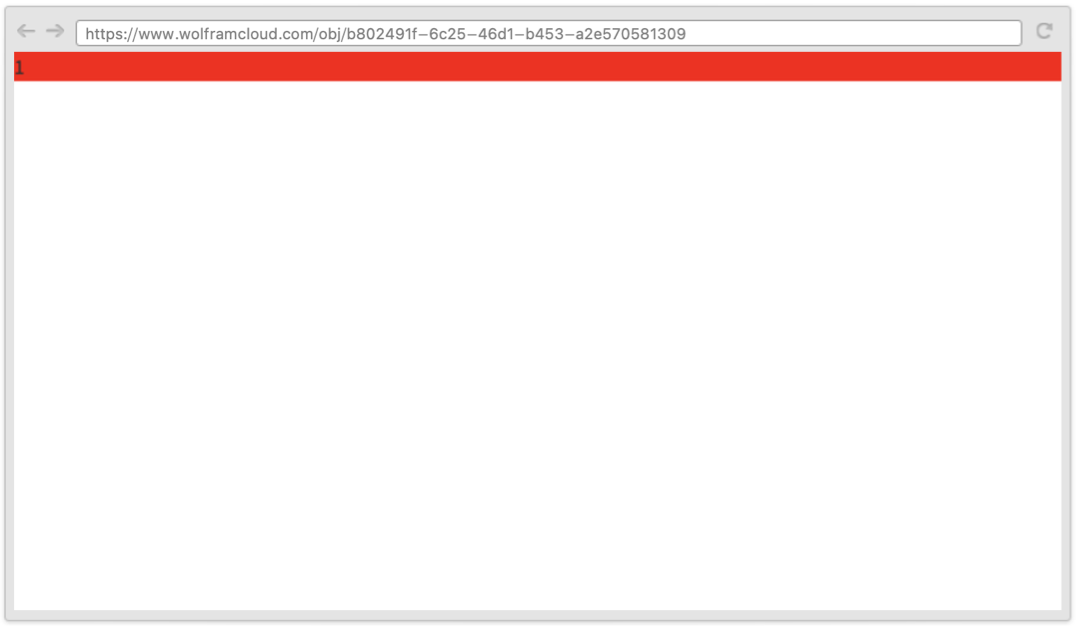
CloudDeploy[WebRow[{1}, {100, Scaled[1]}, Background -> Red]]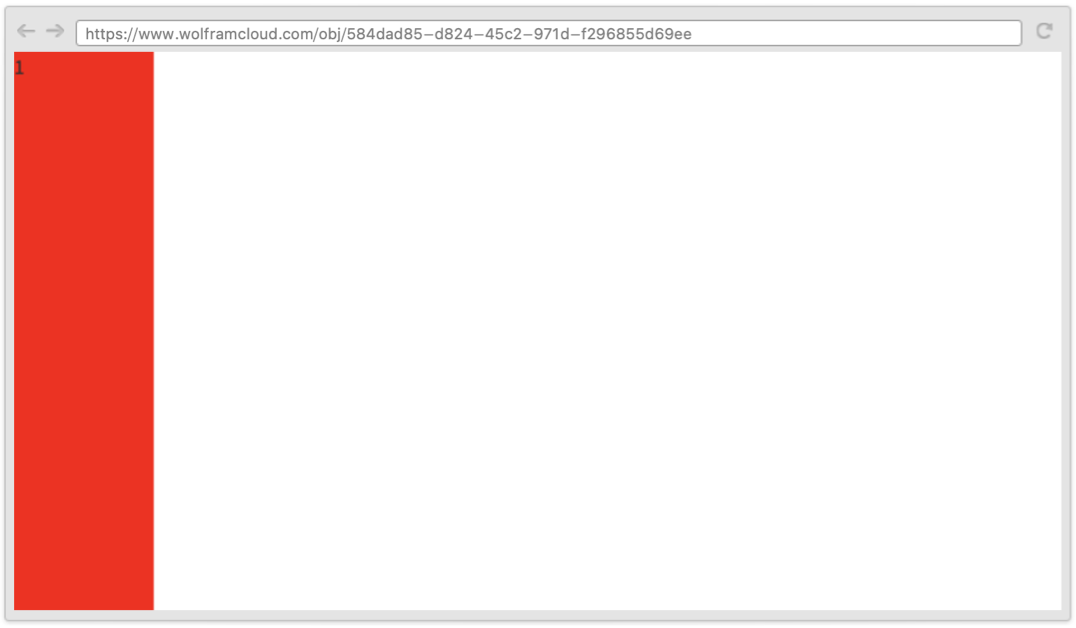
Automaticを使ってサイズがコンテンツにフィットするように指定したり,Fullを使って残っている全空間にフィットするように指定したりできる:
CloudDeploy[WebRow[{WebRow[{"c1"}, {Automatic, Full}, Background -> Red], WebRow[{"fixed"}, {100, 200}, Background -> Yellow], WebRow[{"c2"}, {Full, Automatic}, Background -> Purple]}, {Full, Full}, Background -> Cyan]]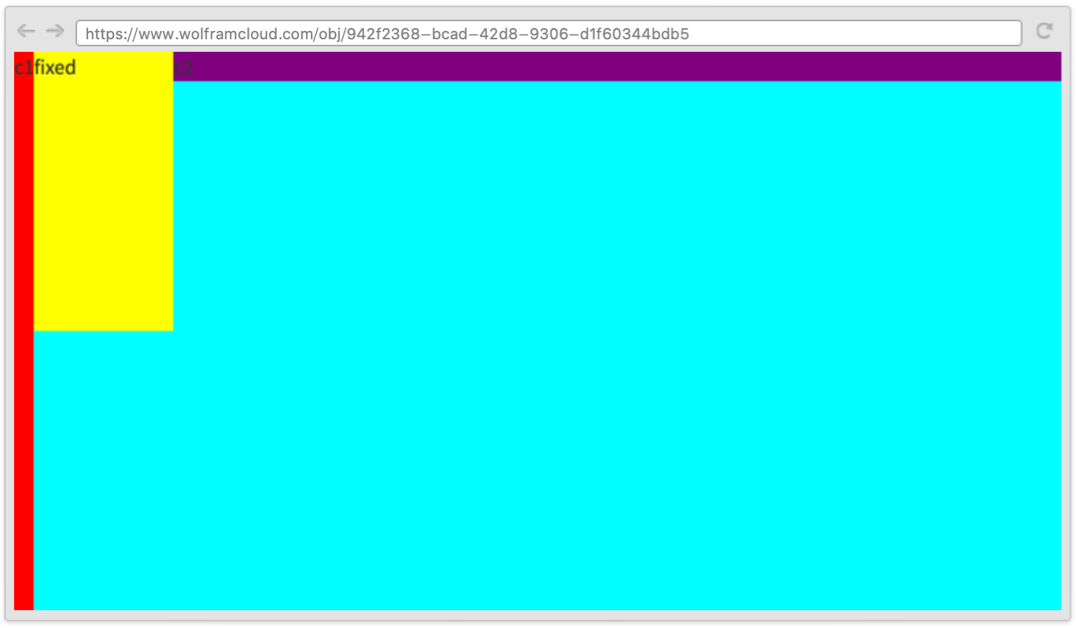
オプション (10)
Alignment (1)
panels = Table[WebRow[Table[WebItem[None, {10 + j * i * 5, 15 + j * i * 3}, Background -> RandomColor[]], {j, 1, 3}], {100 + i * 20, 130 + i * 30}, Alignment -> Center, Background -> RandomColor[]], {i, 1, 4}];Alignmentオプションを使って使用可能な空間内でコンテンツをどのように並べるかを指定する:
CloudDeploy[WebRow[panels, {Scaled[1], Scaled[1]}, Alignment -> Center]]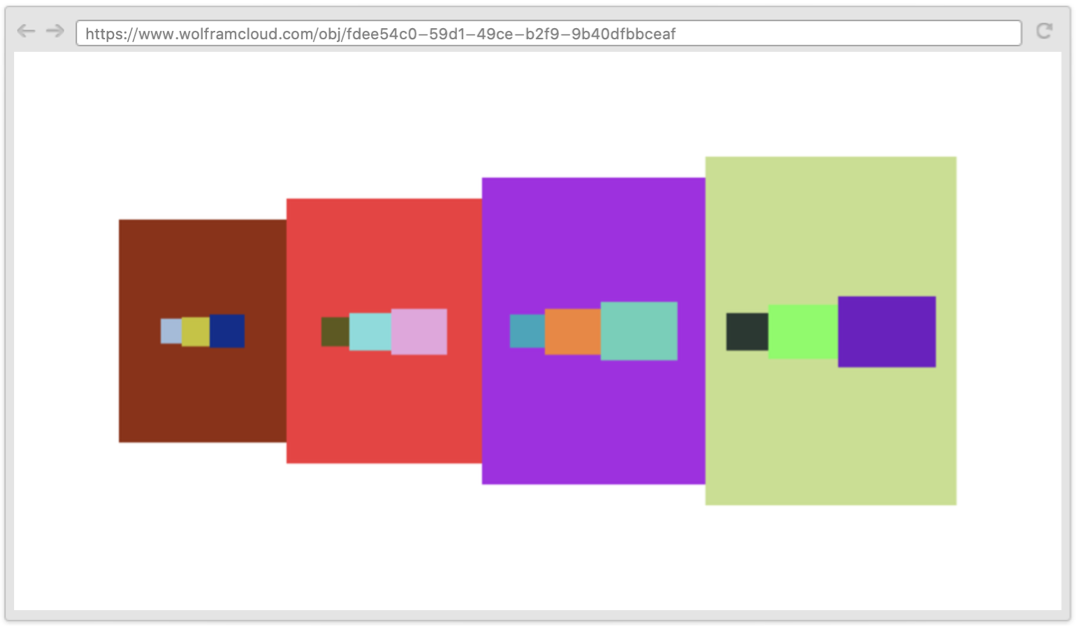
CloudDeploy[WebRow[panels, {Scaled[1], Scaled[1]}, Alignment -> {Left, Bottom}]]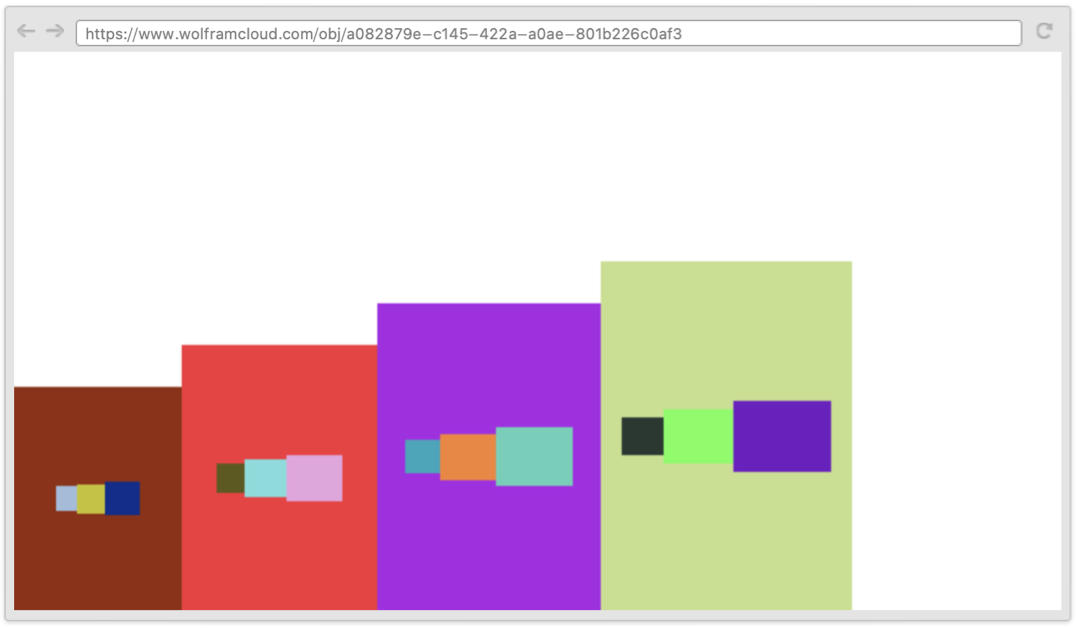
CloudDeploy[WebRow[panels, Scaled[1], Alignment -> {Right, Top}]]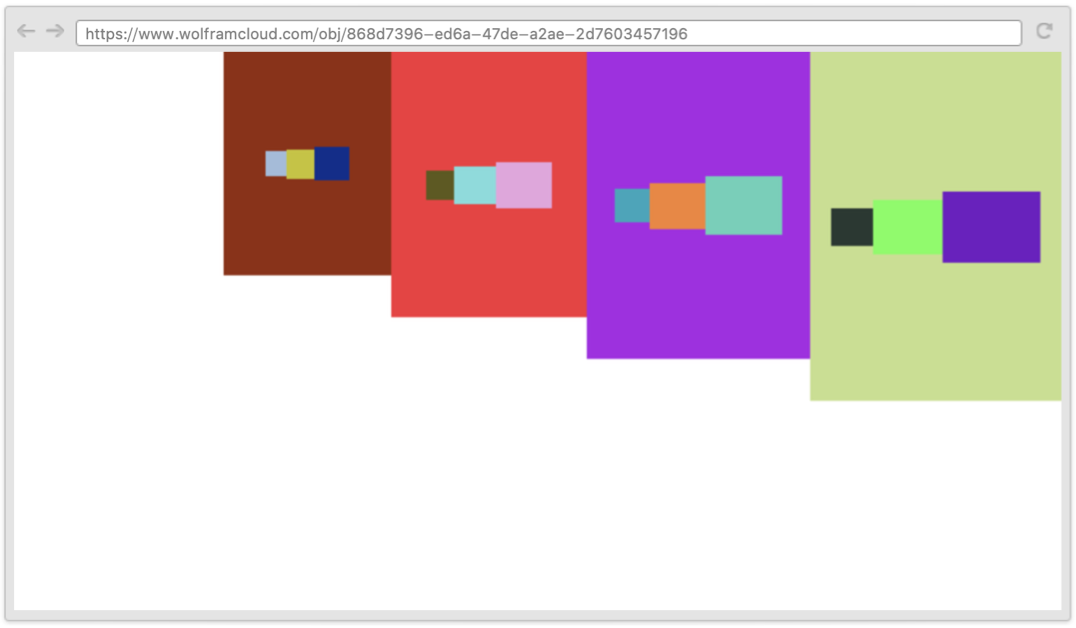
Background (1)
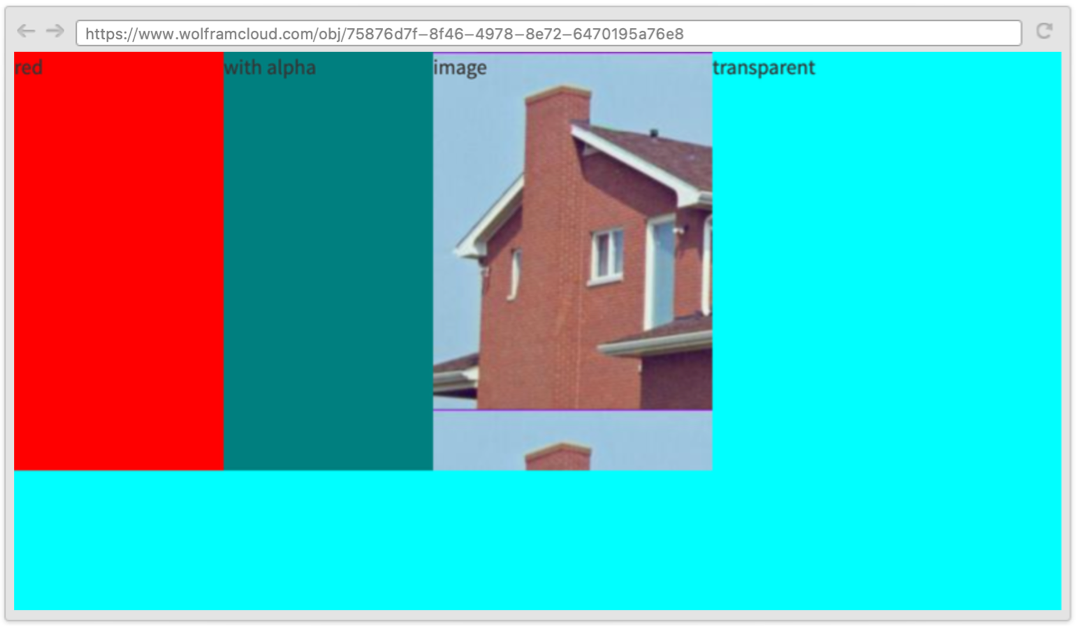
BackgroundオプションでRGBColor等の任意の色指定を使って背景色が指定できる:
CloudDeploy@WebRow[{
	WebItem["red", {150, 300}, Background -> Red],
	WebItem["with alpha", {150, 300}, Background -> RGBColor[0, 0, 0, 0.5]],
	WebItem["image", {200, 300}, Background -> ExampleData[{"TestImage", "House"}]],
	WebItem["transparent", {150, 300}, Background -> Transparent]
	},
	{Scaled[1], Scaled[1]},
	Background -> Cyan
	]
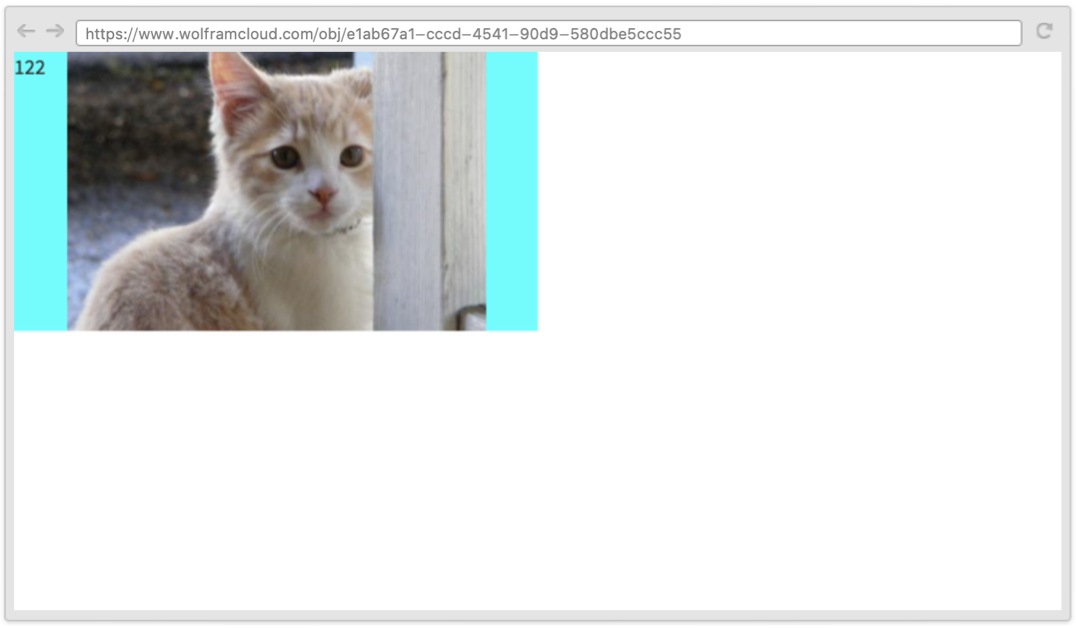
CloudDeploy[
	WebRow[
	{1, 2, 2},
	{Scaled[0.5], Scaled[0.5]}, Background -> "cyan no-repeat center/80% url('http://placekitten.com/500/500')"]
	]
FontFamily (1)
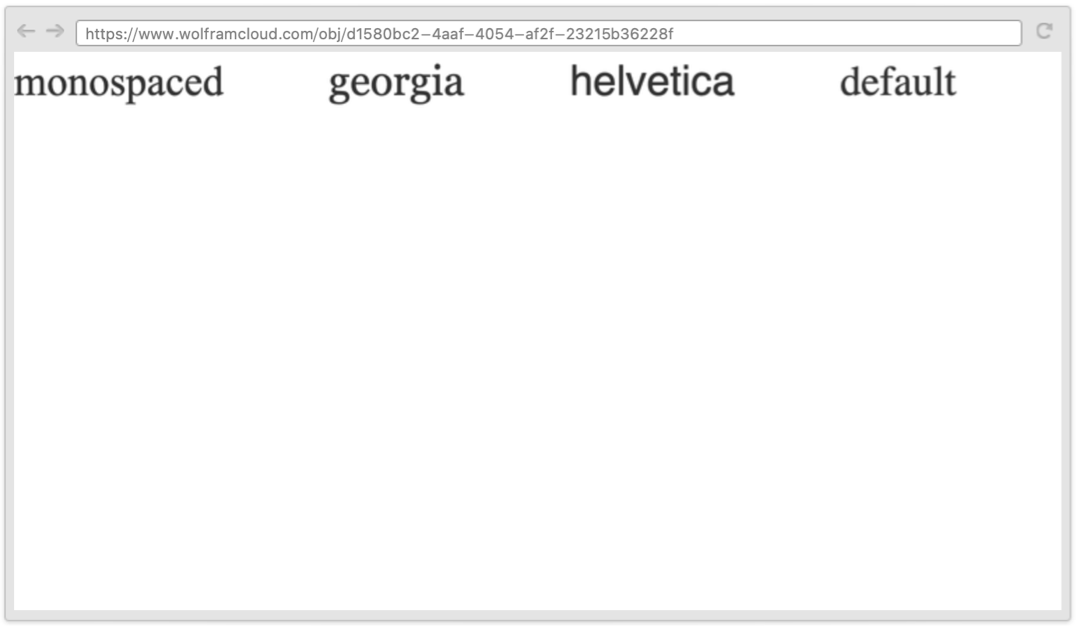
FontFamilyを使ってフォントを指定する:
CloudDeploy@WebRow[
	{WebRow[{"monospaced"}, FontFamily -> "monospaced"], WebRow[{"georgia"}, FontFamily -> "georgia"], WebRow[{"helvetica"}, FontFamily -> "helvetica"],
	WebRow[{"default"}]
	},
	FontSize -> 30,
	FontFamily -> "times"
	]
FontSize (1)
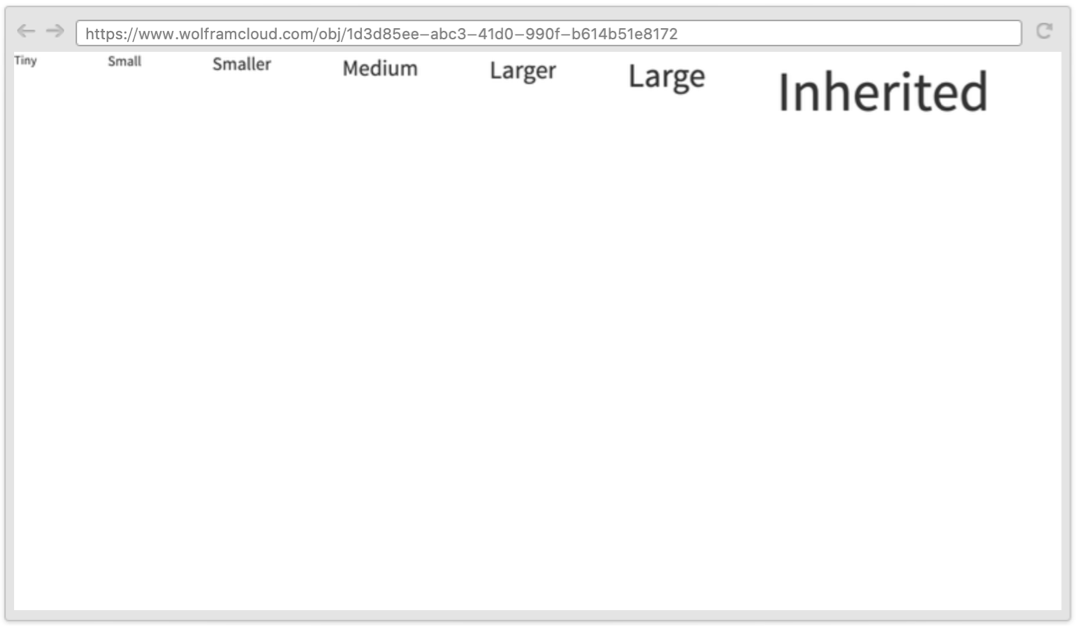
FontSizeオプションを使うとさまざまな指定をすることができ,他から値を継承することもできる:
CloudDeploy@WebRow[
	{
	WebRow[{"Tiny"}, FontSize -> Tiny],
	WebRow[{"Small"}, FontSize -> Small],
	WebRow[{"Smaller"}, FontSize -> Smaller],
	WebRow[{"Medium"}, FontSize -> Medium],
	WebRow[{"Larger"}, FontSize -> Larger],
	WebRow[{"Large"}, FontSize -> Large],
	WebRow[{"Inherited"}]
	},
	FontSize -> 40
	]
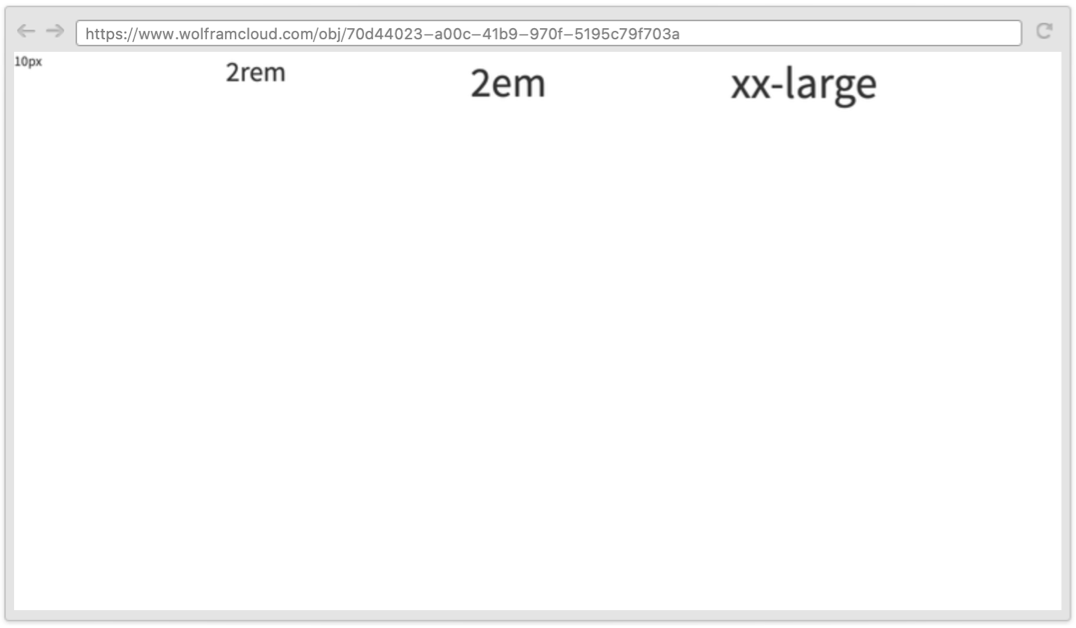
CloudDeploy@WebRow[
	Table[
	WebRow[size, FontSize -> size], {size, {"10px", "2rem", "2em", "xx-large"}}
	]
	]
FontSlant (1)
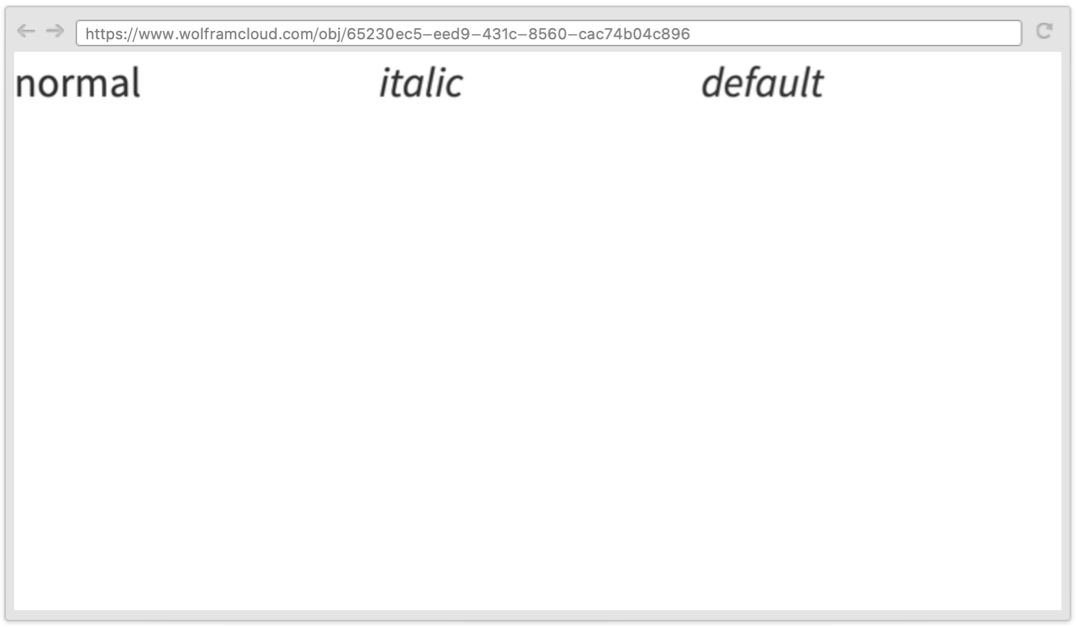
FontSlantを使ってテキスト内の斜体字が指定できる:
CloudDeploy@WebRow[
	{
	WebRow[{"normal"}, FontSlant -> Plain],
	WebRow[{"italic"}, FontSlant -> Italic],
	WebRow[{"default"}]
	},
	FontSize -> 30,
	FontSlant -> "oblique"
	]
FontSlantオプションを明示的に使う代りにItalic指示子を与えることができる:
CloudDeploy[WebRow[{"All", "Italic"}, Italic]]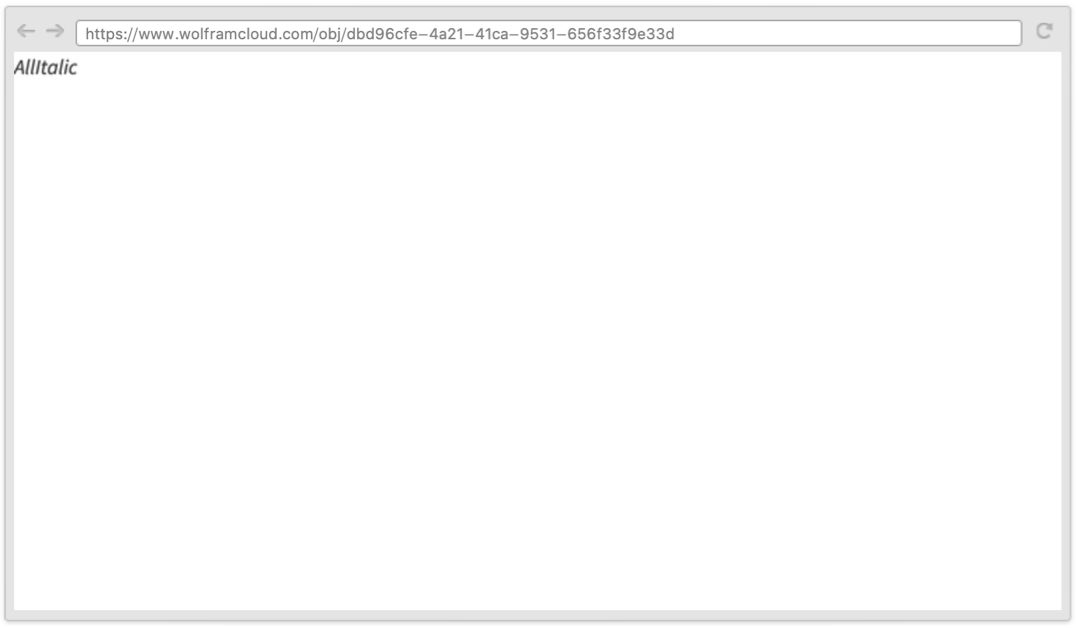
FontWeight (1)
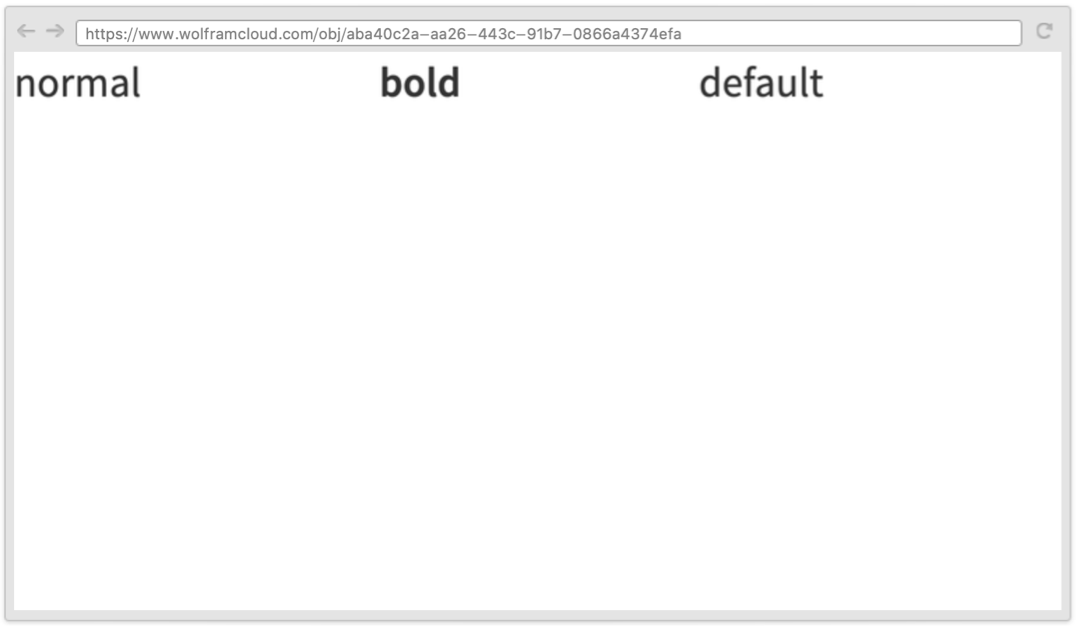
FontWeightを使って文字をどの位太くするかが指定できる:
CloudDeploy@WebRow[
	{
	WebRow[{"normal"}, FontWeight -> Plain],
	WebRow[{"bold"}, FontWeight -> Bold],
	WebRow[{"default"}]
	},
	FontSize -> 30,
	FontWeight -> 700
	]
FontWeightオプションを明示的に使う代りにBold指示子を与えることができる:
CloudDeploy[WebRow[{"All", "Bold"}, Bold]]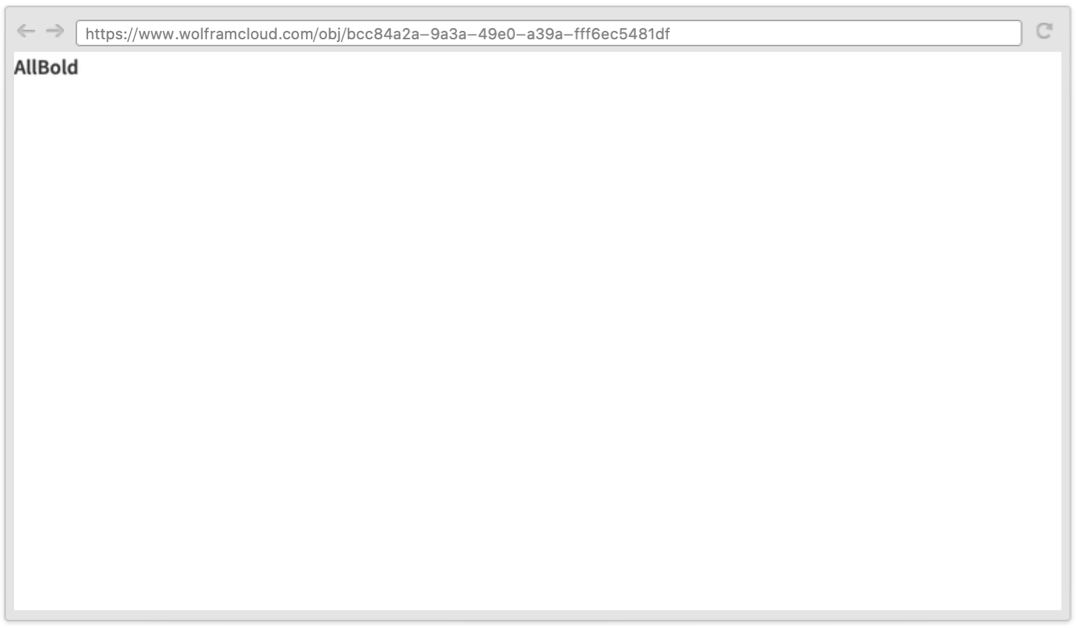
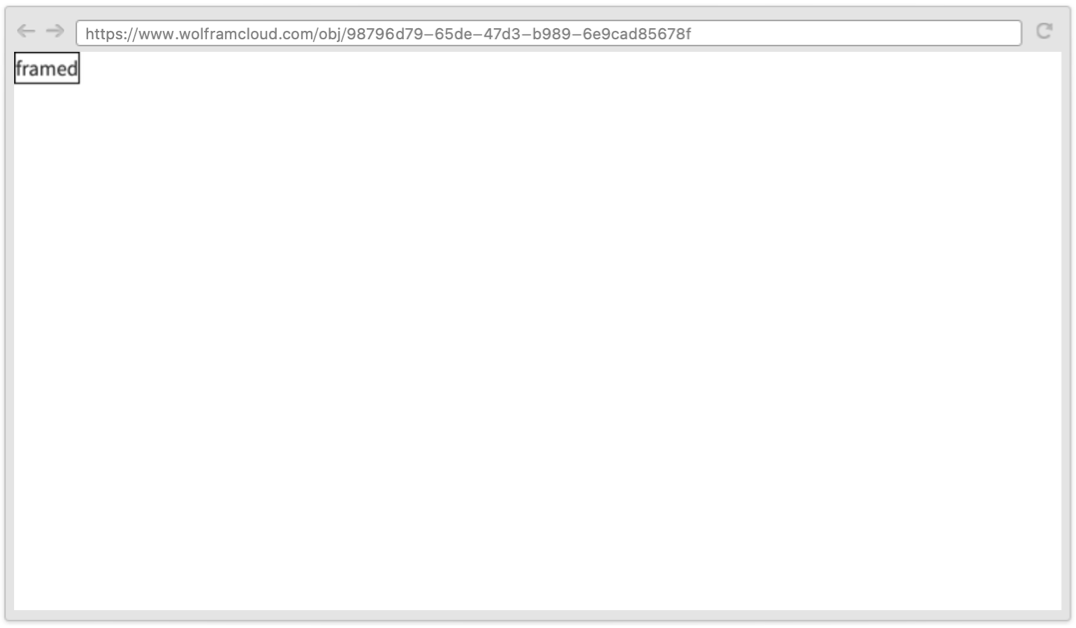
FrameStyle (1)
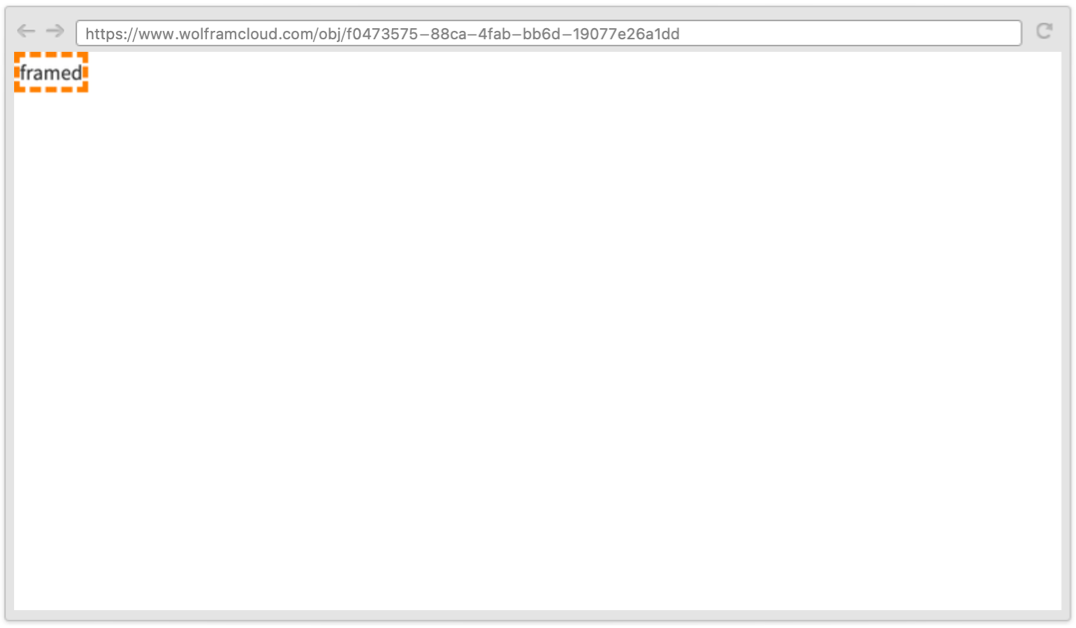
ImageMargins (1)
Scrollbars (1)
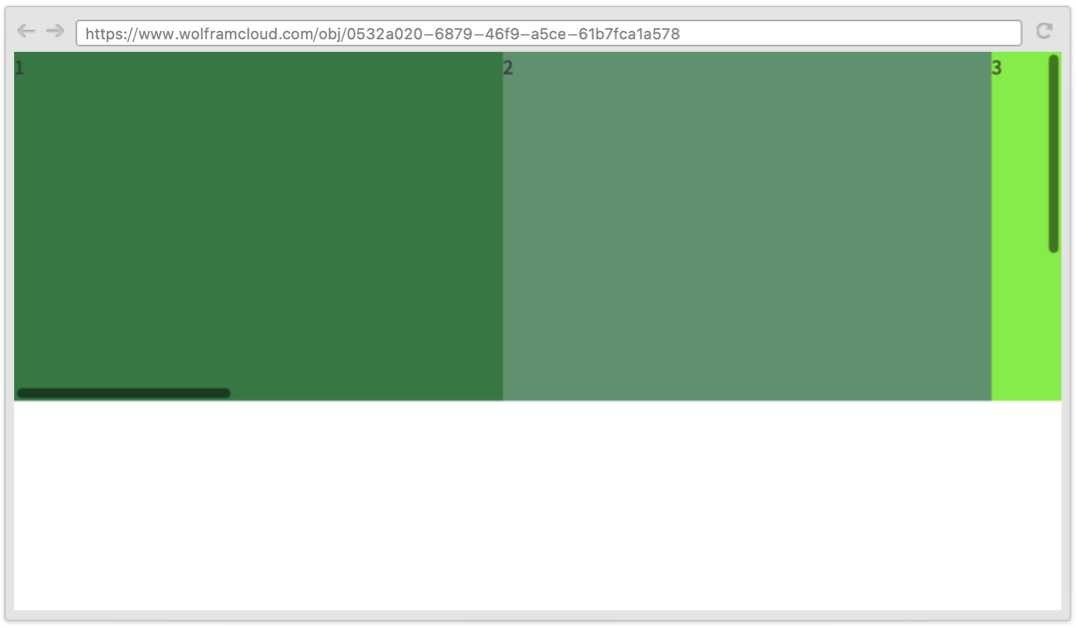
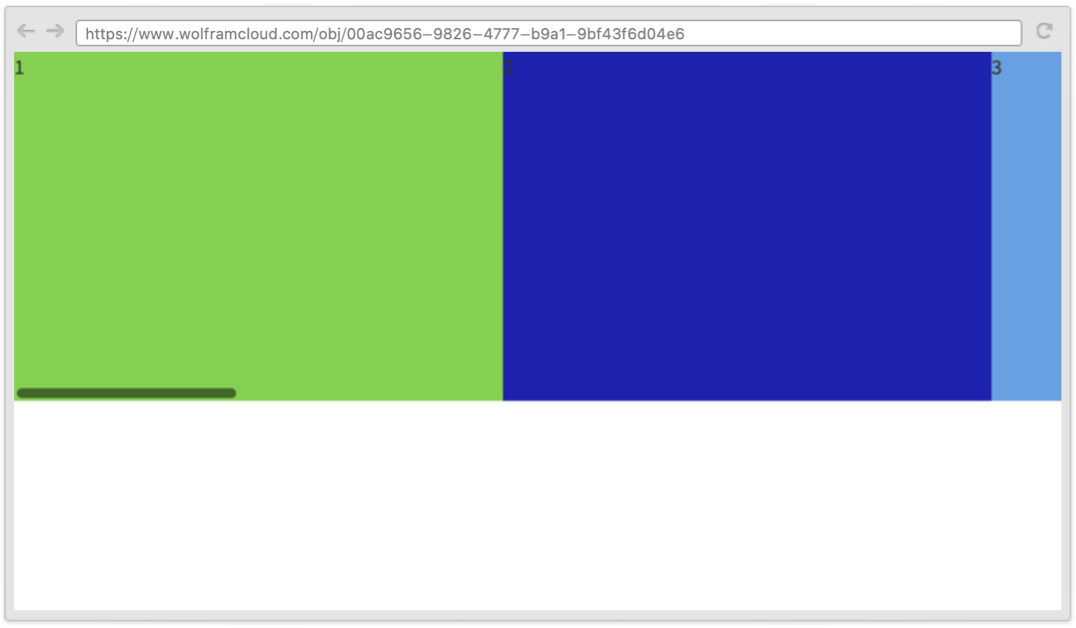
WebRowに縦横両方のスクロールバーを指定する:
CloudDeploy @ WebRow[
	Table[WebItem[i, {350, 400}, Background -> RandomColor[]], {i, 10}],
	{Scaled[1], 250},
	Scrollbars -> True,
	Background -> LightGray
	]
CloudDeploy@WebRow[
	Table[WebItem[i, {350, 400}, Background -> RandomColor[]], {i, 10}],
	{Scaled[1], 250},
	Scrollbars -> {True, False},
	Background -> LightGray
	]
アプリケーション (1)
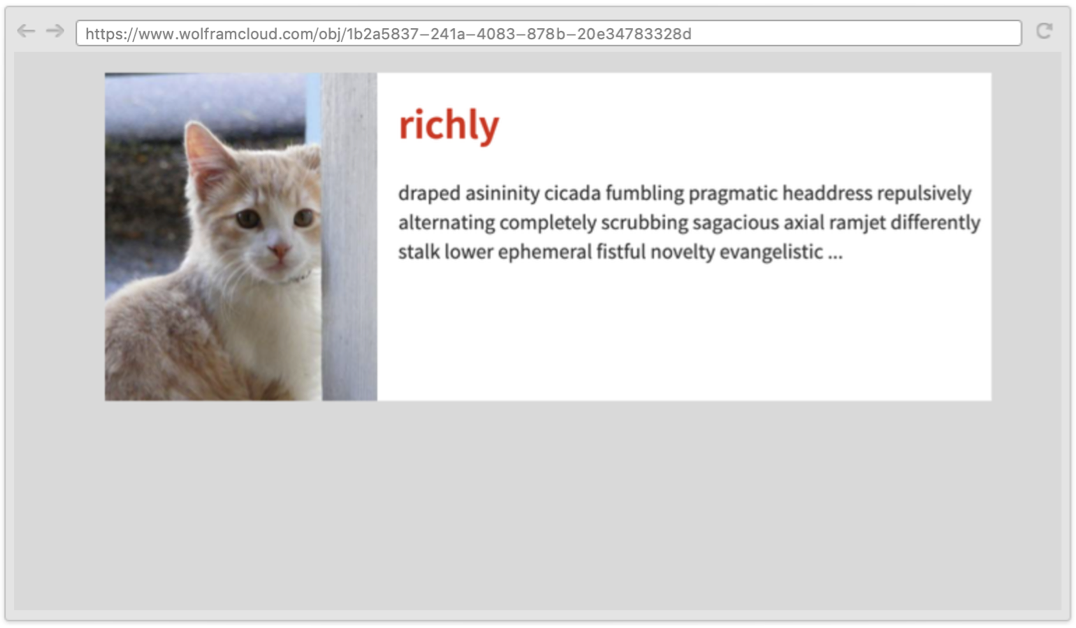
Card = Function[WebRow[{
		WebItem[
				None,
				{Scaled[0.3], Scaled[1]},
				"Background" -> #CardImage,
				"Background-Size" -> "cover",
				"Background-Position" -> "center center"
			],
		WebColumn[{
			WebItem[#CardTitle, {Scaled[1], 60}, "Font-Size" -> 30, "Font-Weight" -> "Bold", "Padding" -> 15],
			WebItem[#CardDescription, "Padding" -> 15]
			},
			{Scaled[0.7], Scaled[1]}
		]
	},
	{Scaled[1], Scaled[1]},
	"Margin" -> 15,
	"Background" -> White
]];CloudDeploy[WebRow[
WebItem[
Card[<|
"CardTitle" -> Hyperlink[RandomWord[], "http://www.wolfram.com"],
"CardDescription" -> StringJoin[Riffle[RandomWord[20], " "], " ..."],
"CardImage" -> URL["http://placekitten.com/500/500"]
|>],
{650, 250}
],
{Scaled[1], Scaled[1]},
"Background" -> LightGray,
Alignment -> {Top, Center}
]]
特性と関係 (2)
InterfaceSwitchedを使って表示域のサイズに基づいてWebRowのコンテンツを切り換えることができる:
CloudDeploy[WebRow[InterfaceSwitched[{768 -> "medium or more", 0 -> "all"}], Background -> Cyan]]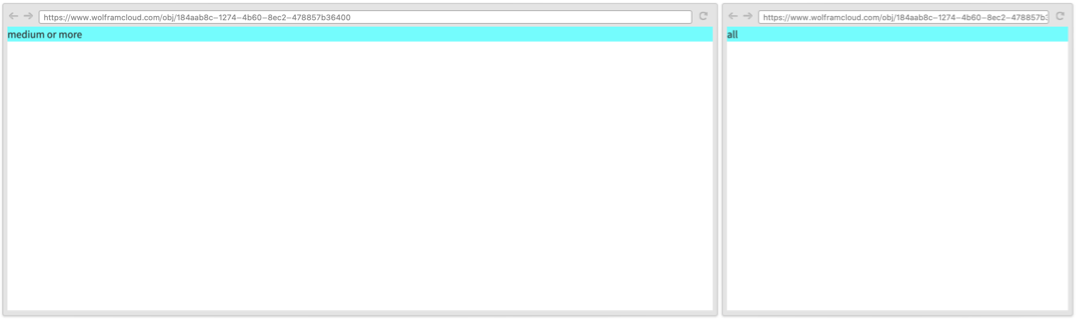
InterfaceSwitchedを使って特性の値を切り換えることもできる:
CloudDeploy[WebRow[{"hello"}, Background -> InterfaceSwitched[{768 -> Red, 0 -> Blue}]]]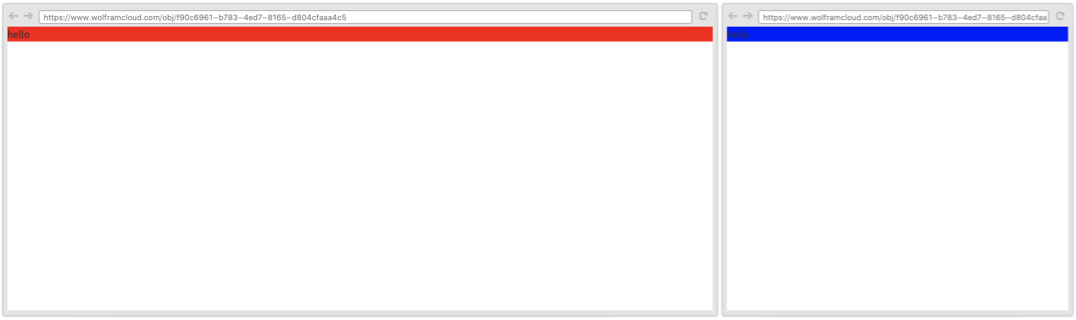
CloudDeploy[WebRow[{WebItem[1, InterfaceSwitched[{768 -> {Scaled[0.25], Scaled[1]}, 0 -> {Scaled[1], Scaled[0.25]}}], Background -> Red], WebItem[2, InterfaceSwitched[{768 -> {Scaled[0.25], Scaled[1]}, 0 -> {Scaled[1], Scaled[0.25]}}], Background -> Green], WebItem[3, InterfaceSwitched[{768 -> {Scaled[0.25], Scaled[1]}, 0 -> {Scaled[1], Scaled[0.25]}}], Background -> Cyan], WebItem[4, InterfaceSwitched[{768 -> {Scaled[0.25], Scaled[1]}, 0 -> {Scaled[1], Scaled[0.25]}}], Background -> Purple]}]]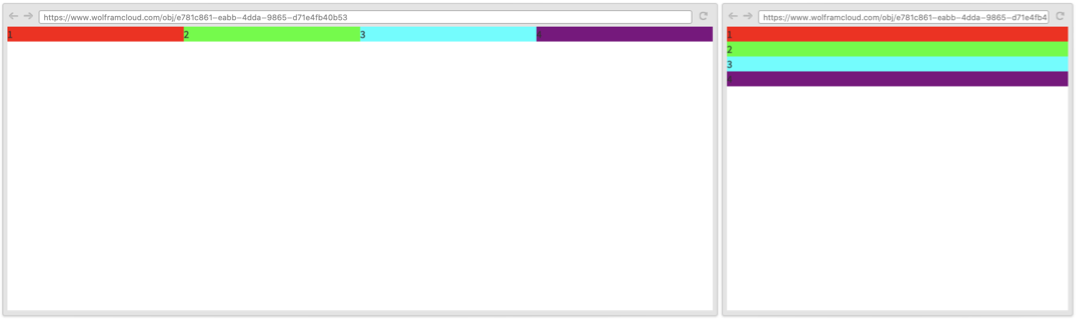
ExportStringを使ってWebRowをHTMLにコンパイルできる:
ExportString[WebRow[{1, XMLElement["form", {}, {}]}, "custom class", Background -> Red], "HTMLFragment"]考えられる問題 (1)
CloudDeployはページの式から生成されたHTMLを式の評価時にアップロードする:
CloudDeploy[WebRow[{RandomReal[]}, Background -> RandomColor[], FontSize -> RandomInteger[{20, 40}]]][image]CloudDeploy[Delayed @ WebRow[{RandomReal[]}, Background -> RandomColor[], FontSize -> RandomInteger[{20, 40}]]][image]おもしろい例題 (2)
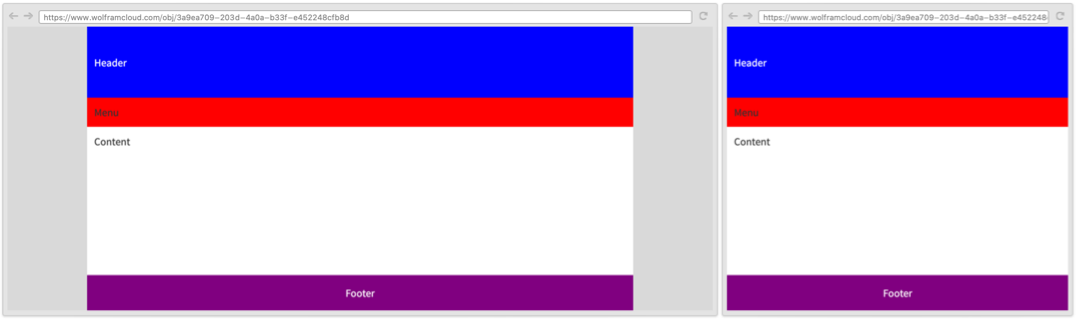
CloudDeploy[WebColumn[
	WebColumn[
	{
	WebRow["Header", {Full, 100},   White, Background  -> Blue, Alignment -> {Center, Left}, "padding" -> "1rem"],
	WebRow["Menu", {Full, Automatic}, Background  -> Red, "padding" -> "1rem"],
	WebRow["Content", {Full, Full}, Background  -> White, "padding" -> "1rem"],
	WebRow["Footer", {Full, 50}, White, Background  -> Purple, Alignment -> Center, "padding" -> "1rem"]
	},
	InterfaceSwitched[
	<|768 -> {768, Scaled[1]}, 0 -> {Scaled[1], Scaled[1]}|>
	],
	Background -> Gray
	],
	{Full, Full},
	Alignment  -> {Center, Top},
	Background -> LightGray
	]]
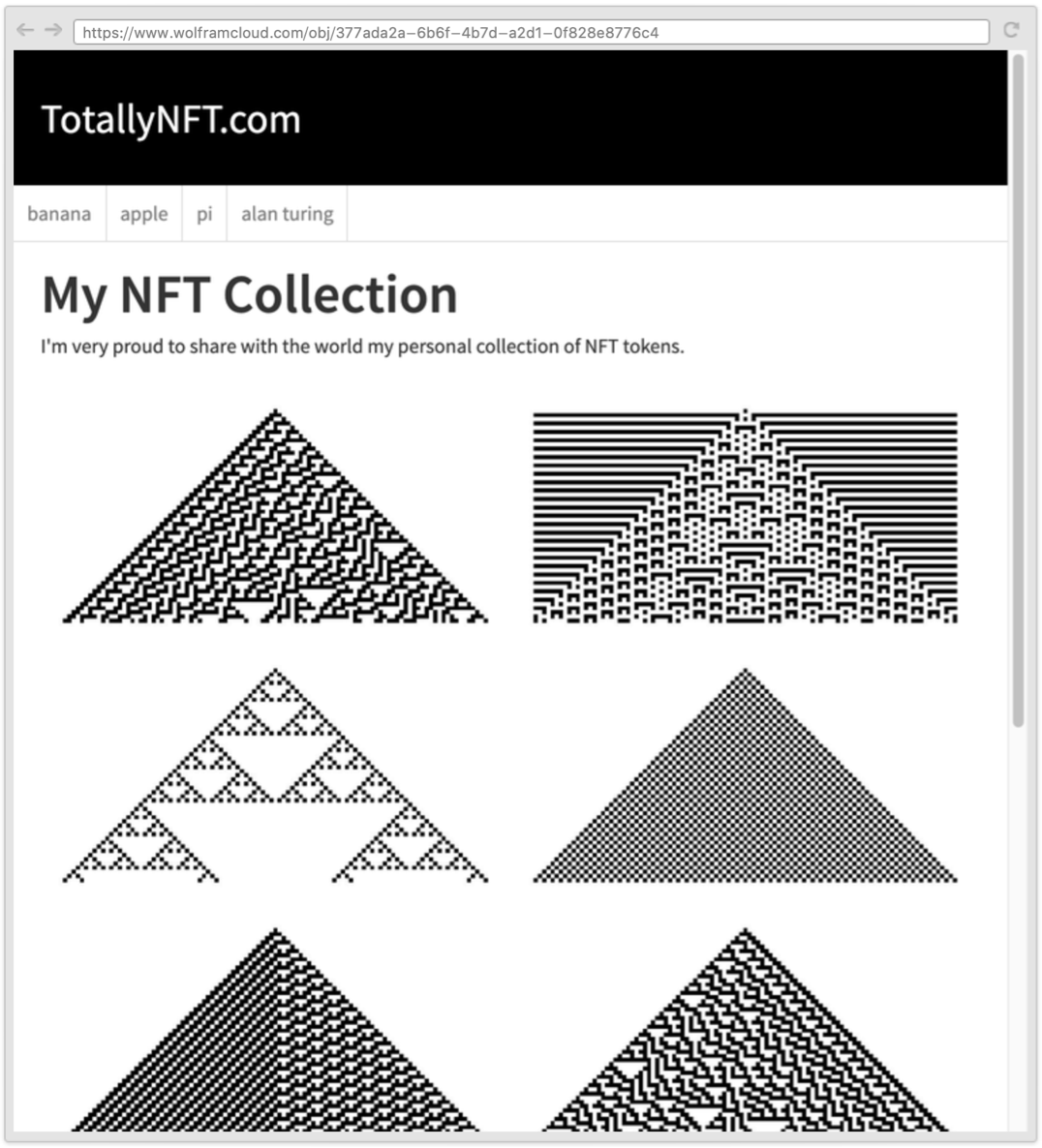
CloudDeploy[ WebColumn[
  WebColumn[
    {
      WebItem[
        "TotallyNFT.com",
        {Full, 100},
        GrayLevel[1],
        FontSize -> 30,
        Background -> GrayLevel[0],
        Alignment -> {Center, Left},
        "padding" -> "1.5rem 1.5rem 1.5rem 2rem"
      ],
      WebRow[
        Table[
          WebItem[
            Hyperlink[i, URLBuild["https://www.wolframalpha.com/input/", {"i" -> i}]],
            "padding" -> "1rem",
            "border-right" -> "1px solid #ddd",
            "background" -> Mouseover[White, LightGray],
            "color" -> Mouseover[Gray, Black]
          ],
          {i, {"banana", "apple", "pi", "alan turing"}}
        ],
        {Full, Automatic},
        Background -> White,
    "border-bottom" -> "1px solid #ddd"
      ],
      WebColumn[
        {
            WebItem[
              "My NFT Collection",
              FontSize -> 40,
              Bold
            ], "I'm very proud to share with the world my personal collection of NFT tokens.",
            WebRow[
                Table[
                    WebItem[
                        ArrayPlot[CellularAutomaton[i, {{1}, 0}, 50], Frame -> None],
                        InterfaceSwitched[<|768 -> Scaled[1 / 3], 0 -> Scaled[1 / 2]|>],
                        "padding" -> "1rem"
                    ],
                    {i, {30, 73, 18, 50, 62, 86, 94, 150, 158}}
                ],
                Scaled[1],
                "padding-top" -> "2rem"
            ]
        },
        {Full, Full},
        Background -> GrayLevel[1],
        "padding" -> "1rem 2rem"
      ],
      WebItem[
        "Wolfram Research Inc - All righs reserved",
        {Full, 50},
        GrayLevel[0.5],
        Background -> GrayLevel[0.90],
        Alignment -> Center,
        FontSize -> Smaller,
        "padding" -> "1rem"
      ]
    },
    InterfaceSwitched[<|768 -> {768, Scaled[1]}, 0 -> {Scaled[1], Scaled[1]}|>]
  ],
  {Full, Full},
  Alignment -> {Center, Top},
  Background -> GrayLevel[0.95]
]]
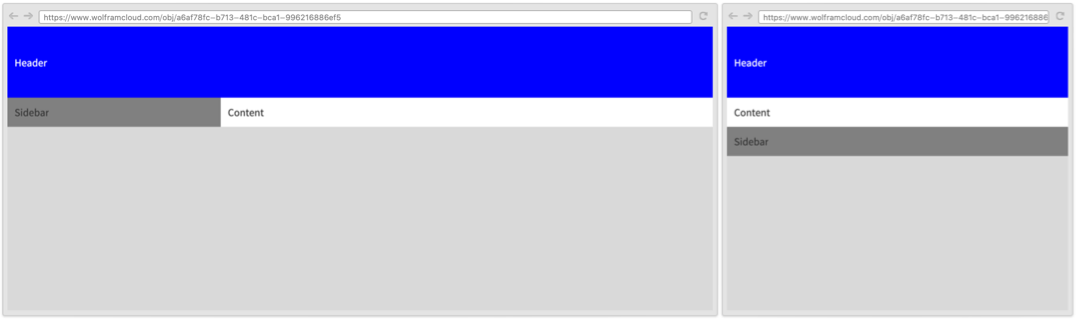
CloudDeploy[WebColumn[{
	WebItem["Header", {Full, 100},   White, Background  -> Blue, Alignment -> {Center, Left},
	"padding" -> "1rem"],
	WebRow[{
	WebItem[
	"Sidebar",
	InterfaceSwitched@<|
	Small  -> {{300, Automatic}, "order" -> "1"}, All -> {{Scaled[1], Automatic}, "order" -> "3"}
	|>,
	Background -> Gray,
	"padding" -> "1rem"
	],
	WebItem[
	"Content",
	{Full},
	Background -> White,
	"order" -> "2",
	"padding" -> "1rem"
	]
	}
	]
	},
	{Full, Full},
	Alignment  -> {Center, Top},
	Background -> LightGray
	]]
テキスト
Wolfram Research (2021), WebRow, Wolfram言語関数, https://reference.wolfram.com/language/ref/WebRow.html.
CMS
Wolfram Language. 2021. "WebRow." Wolfram Language & System Documentation Center. Wolfram Research. https://reference.wolfram.com/language/ref/WebRow.html.
APA
Wolfram Language. (2021). WebRow. Wolfram Language & System Documentation Center. Retrieved from https://reference.wolfram.com/language/ref/WebRow.html